Square, almond, coffin: a guide to nail shapes
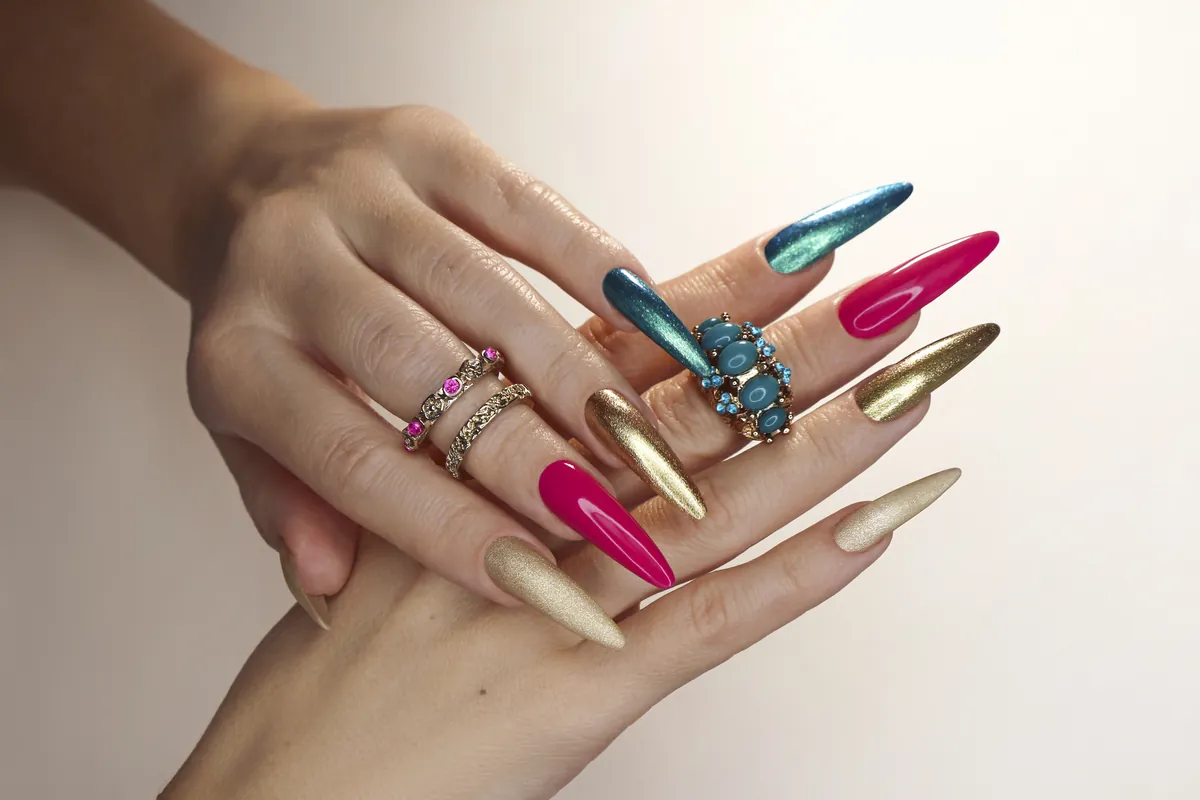
Every major nail shape compared for strength, practicality and the way it changes the hand, with a calm method for filing each one.
Try “French”, “cuticle”, “chrome” or “undertone”. Press Esc to close.
Interactive tool
Shape, length, colour, finish and art: design a manicure, then save it, share it or take it to your appointment.
Choose a shape, drag the length slider and pick a colour from the palette or the custom picker. The finish changes how light plays on the nail: gloss shows a crisp reflection, matte softens it, chrome turns it into polished metal, jelly makes the colour translucent and glitter adds fine sparkle. Under nail art you can add a French tip, a micro French, a half moon, an ombré fade, dots or an accent nail on the ring finger in a second colour.
When you like a look, save it to your moodboard, copy the link to share it or download it as an image to show your nail technician. Nothing leaves your browser unless you share it yourself.
A few rules make any combination look intentional. Longer almond and oval shapes stretch the fingers, short squoval and round shapes feel calm and practical. Saturated colours look richest in gloss, while dusty and muted shades shine in matte. If you add a second colour, keep it in the same family of lightness, or choose its opposite on the colour wheel for a deliberate contrast. Our Colour Harmony Lab suggests matching pairs.
Screens show colour differently, and real polish changes with the number of coats, the base colour of the nail and the light in the room. Use the studio to compare ideas and proportions, then check the final shade on a swatch or nail tip in daylight before you commit.
Saved looks are stored only in the local storage of the browser you are using. They are not sent to us and are not linked to an account. If you clear your browser data or use another device, the looks will not be there, so download an image of the ones you want to keep.
Read more
Every major nail shape compared for strength, practicality and the way it changes the hand, with a calm method for filing each one.
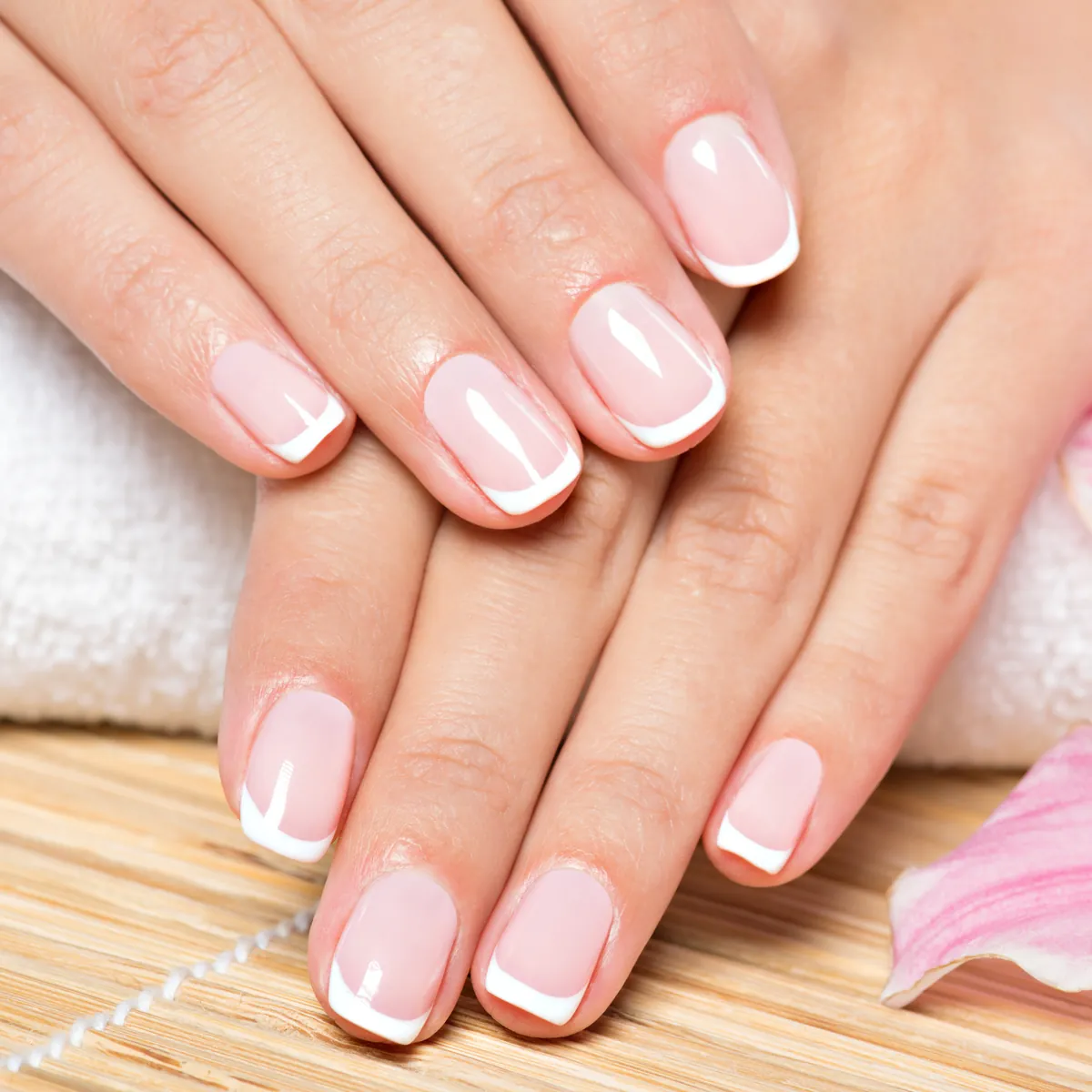
Where the white tip came from, the variations worth knowing and three reliable ways to paint a smile line that looks clean and natural.
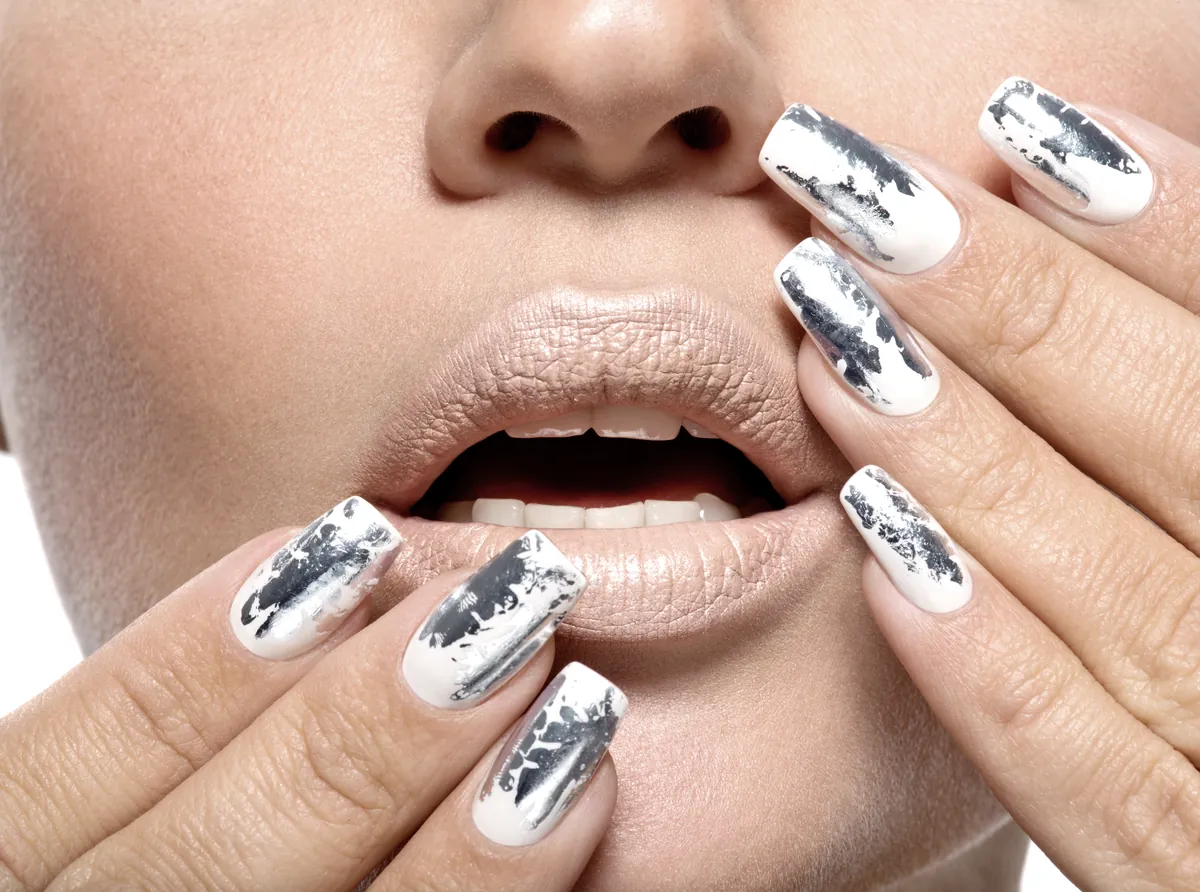
How chrome and pearl finishes are made, which bases they suit and how to keep that liquid shine smooth and lasting.
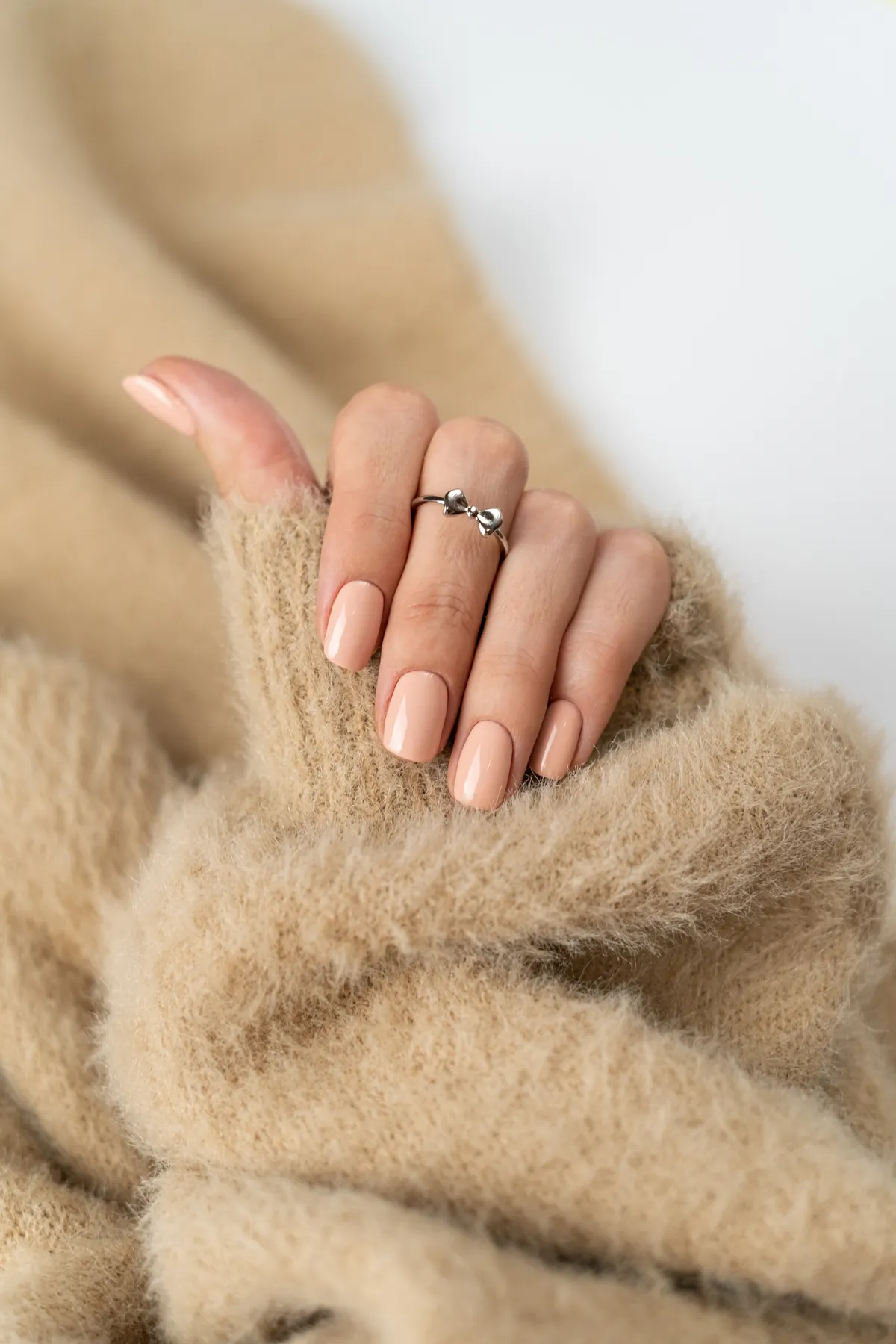
Why translucent manicures look so polished, how milky, sheer and jelly finishes differ and how to apply them without streaks.